Installation
After you purchase Eventmie Pro FullyLoaded App, you get full React Native source code, which can be build Android & iOS apps which can be uploaded on AppStore & PlayStore under your business account with your branding.
We also provide support for publishing the apps to your AppStore & PlayStore accounts.
You just need to have your approved AppStore & PlayStore accounts.
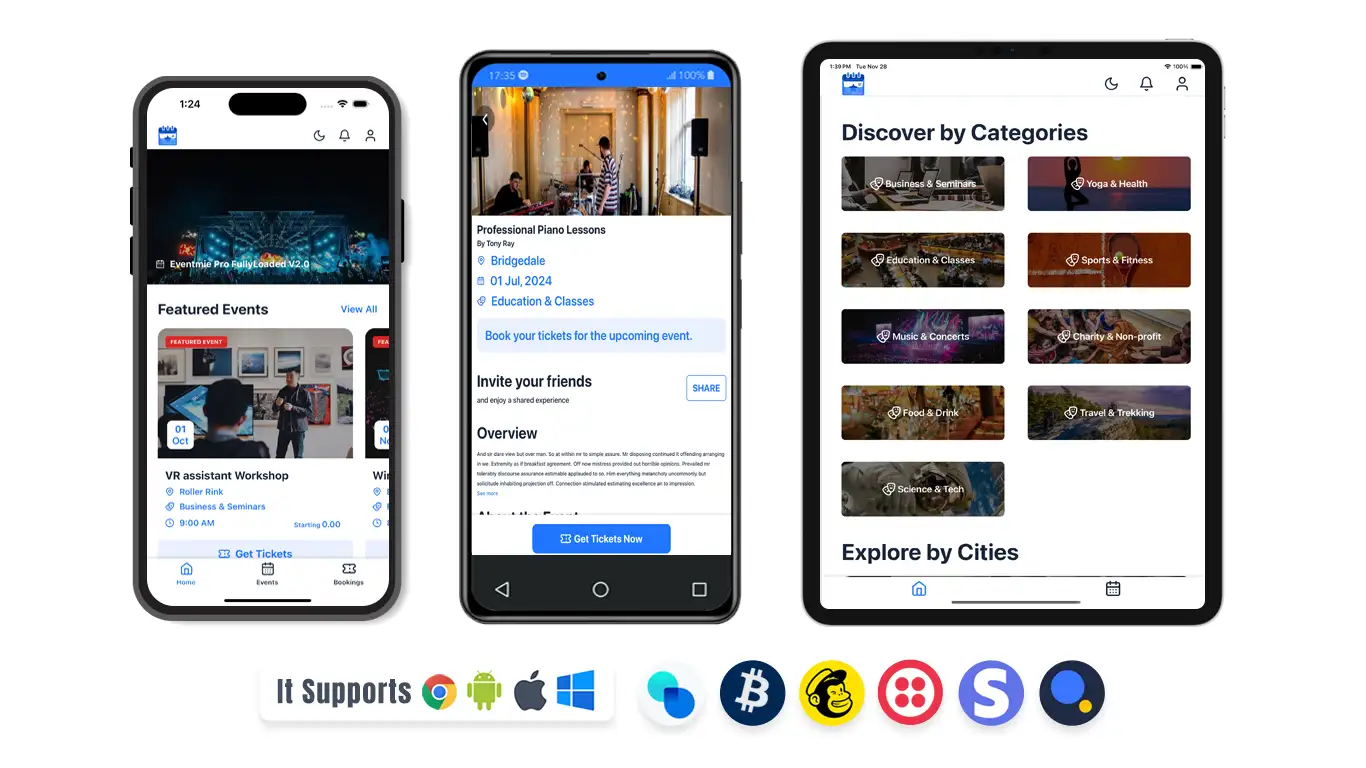
Available in Android & iOS Store and are compatible with Mobile and Tablets.
Install & Publish Yourself
To set up and publish apps on your Play Store and App Store accounts, you first need to configure the app on your local system. Follow the steps below to get started:
1. Set Up React Native Development Environment
- Follow the instructions on the official React Native website to set up your development environment: React Native Environment Setup.
{info} NOTE: Eventmie Pro FullyLoaded is a React Native App and NOT AN EXPO App.
2. Create a Hello World React Native App
- Set up a basic "Hello World" React Native app on your local system.
- Build and run the app to ensure your local environment is configured correctly and the app runs without issues.
3. Set Up Eventmie Pro FullyLoaded React Native App
- Unzip the Eventmie Pro FullyLoaded React Native app package.
- Run the following commands to install dependencies:
npm install
npx pod-install
4. Run the App in Android Studio and Xcode
- Open Android Studio and Xcode.
- Run the app the same way you ran the "Hello World" app initially.
5. Update API URL
- Modify the API URL to point to your website:
- Edit src/config/services.ts and change the API URL accordingly.
6. Customize Branding
- Update the app branding, including the logo, app icon, colors, and other visual elements.
7. Rebuild the App
- Rebuild the app to verify that it integrates properly with your website and reflects all the events correctly.
8. Submit to Play Store and App Store
- Once the app is running smoothly with your website, you can proceed to submit it to the Play Store and App Store.