Multi-lingual Support
Reach a global audience with multi‑lingual support in the Eventmie Pro FullyLoaded app. Give attendees a familiar experience in their preferred language — from event discovery to checkout and ticket download. Clear labels, translated menus, and localized details help customers feel confident, reduce drop‑offs, and improve conversions across regions. The app is designed for worldwide use, including languages that read right‑to‑left, so every guest can browse, book, and manage tickets comfortably.
Whether you host international festivals, business conferences, or local workshops, multi‑lingual support builds trust and removes friction. Attendees can see event information, dates, venues, prices, and order summaries in the language they understand best. Organizers benefit from higher engagement and a consistent brand experience across markets.
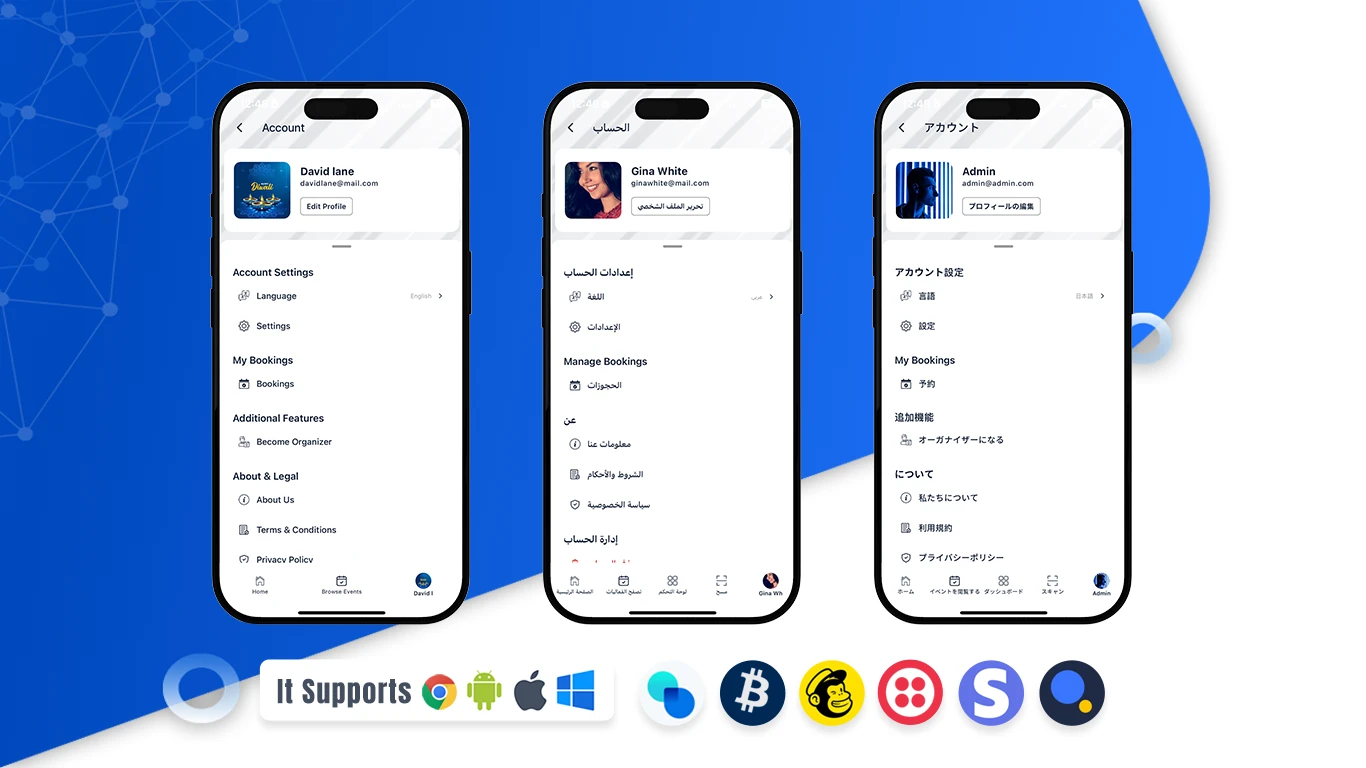
How to change the app language (Step‑by‑step)
- Open Settings: Go to your profile or settings in the app.
- Choose Language: Tap “Language” to view available options.
- Select Your Language: Pick your preferred or native language.
- Done: The app updates instantly — menus, event details, and checkout appear in your language.