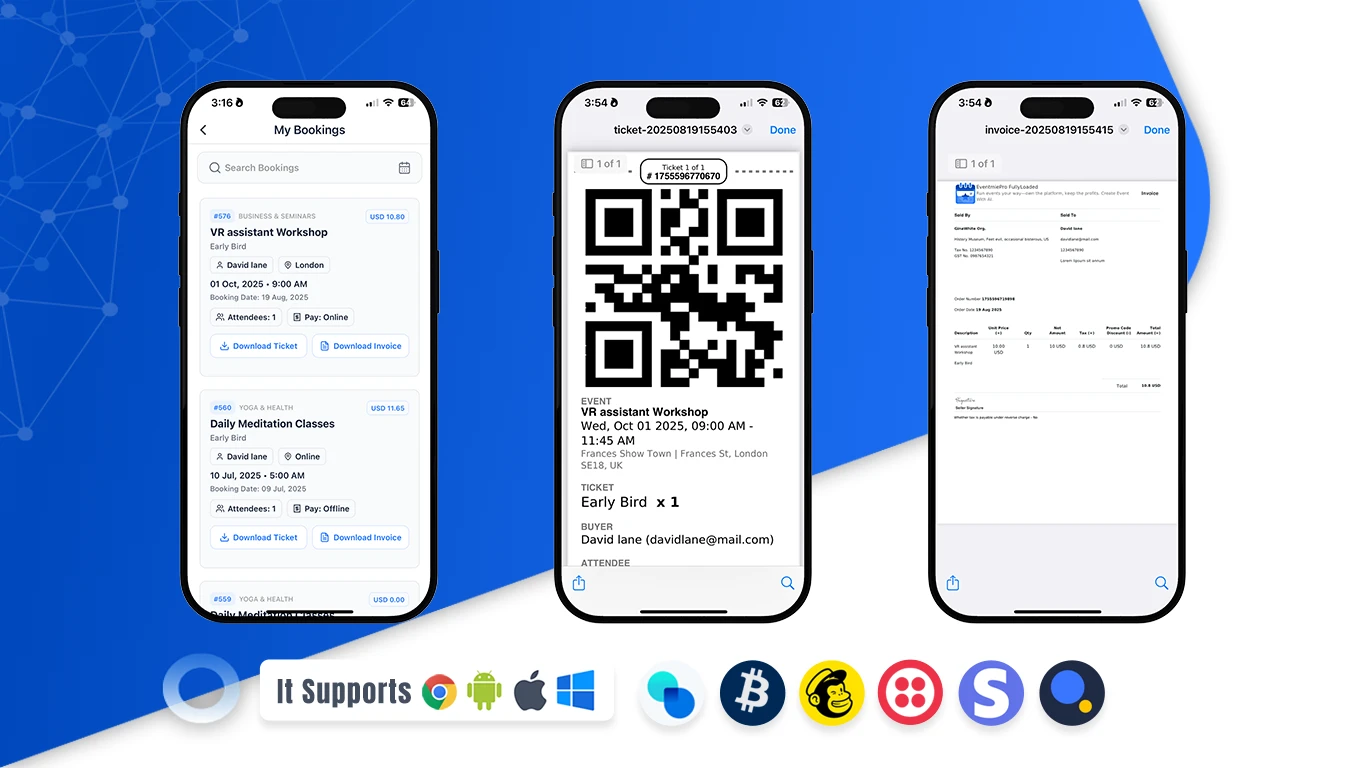
Ticket Booking
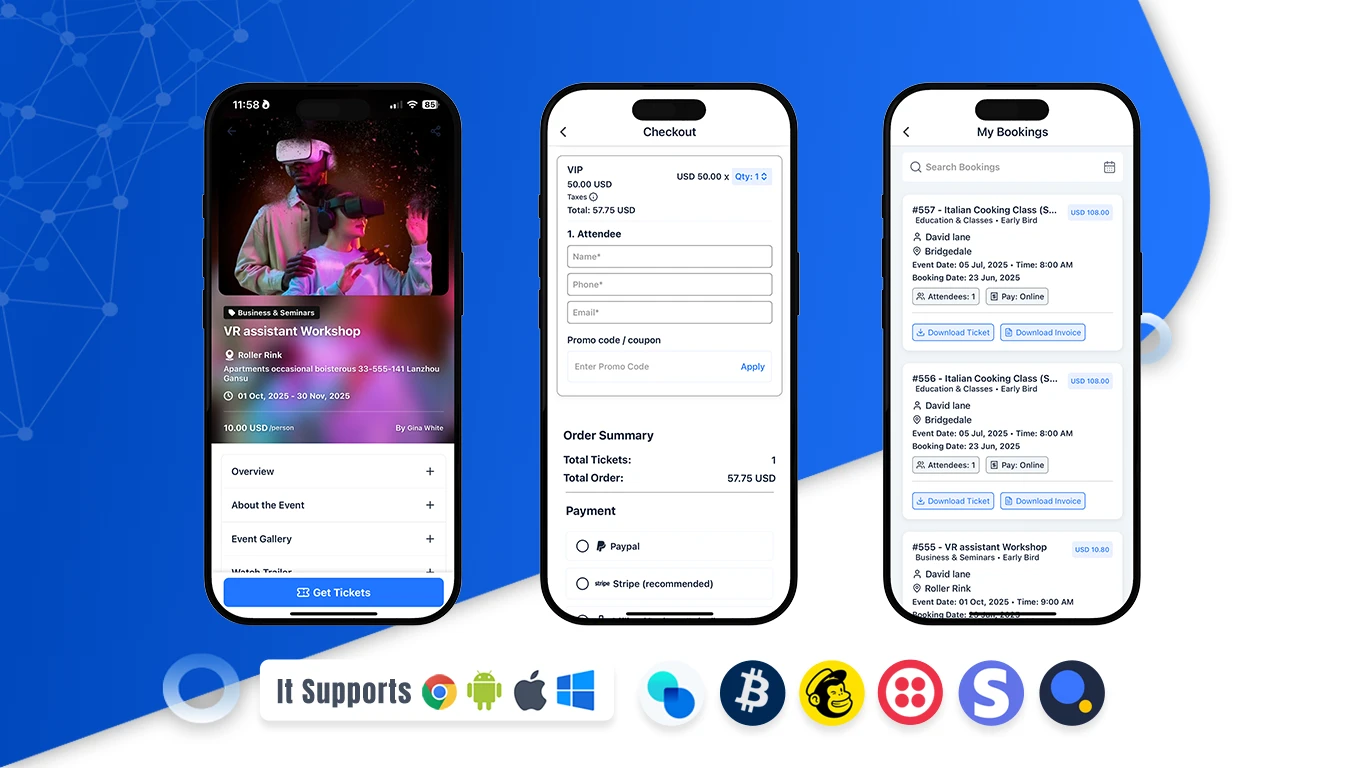
Book event tickets in seconds with the Eventmie Pro FullyLoaded app — a modern, mobile ticketing experience designed for today’s on‑the‑go audience. Discover concerts, festivals, conferences, meetups, classes, and local experiences in one place. Compare ticket options at a glance, choose the date that fits your schedule, and check essential details like venue, timing, and what’s included before you buy. With a smooth, distraction‑free journey from event discovery to checkout, you get from browse to buy faster than ever. Enjoy a secure, user‑friendly checkout that helps you complete your purchase without friction. Add promo codes for savings, choose the quantity you need, and confirm your order in a few taps. Prefer speed? Use guest checkout. Need flexibility? Save your details for next time to make future bookings even faster. The app provides instant order confirmation so you know your spot is guaranteed, every time.
Your tickets are delivered immediately to your phone with QR‑code access for quick, contactless entry at the gate. No printing, no emails to find, no hassle. Simply open the app, show your ticket, and get in. If the event allows add‑ons like parking, meals, or VIP lounge access, you can add them during checkout for a premium experience. The result is a dependable, stress‑free way to buy tickets — whether you’re planning ahead or booking last minute. Built for both small gatherings and large shows, the app keeps everything organized in one place: upcoming events, past purchases, and quick access to your QR‑code tickets when you arrive. Clear pricing, transparent fees, and a clean design make the process easy to trust and even easier to repeat. From first tap to final scan, the Eventmie Pro FullyLoaded app helps you book with confidence, skip the lines, and enjoy the event.
How to book tickets of an Event in App (Step‑by‑step)
- Browse Events: Open the app and explore featured and nearby events.
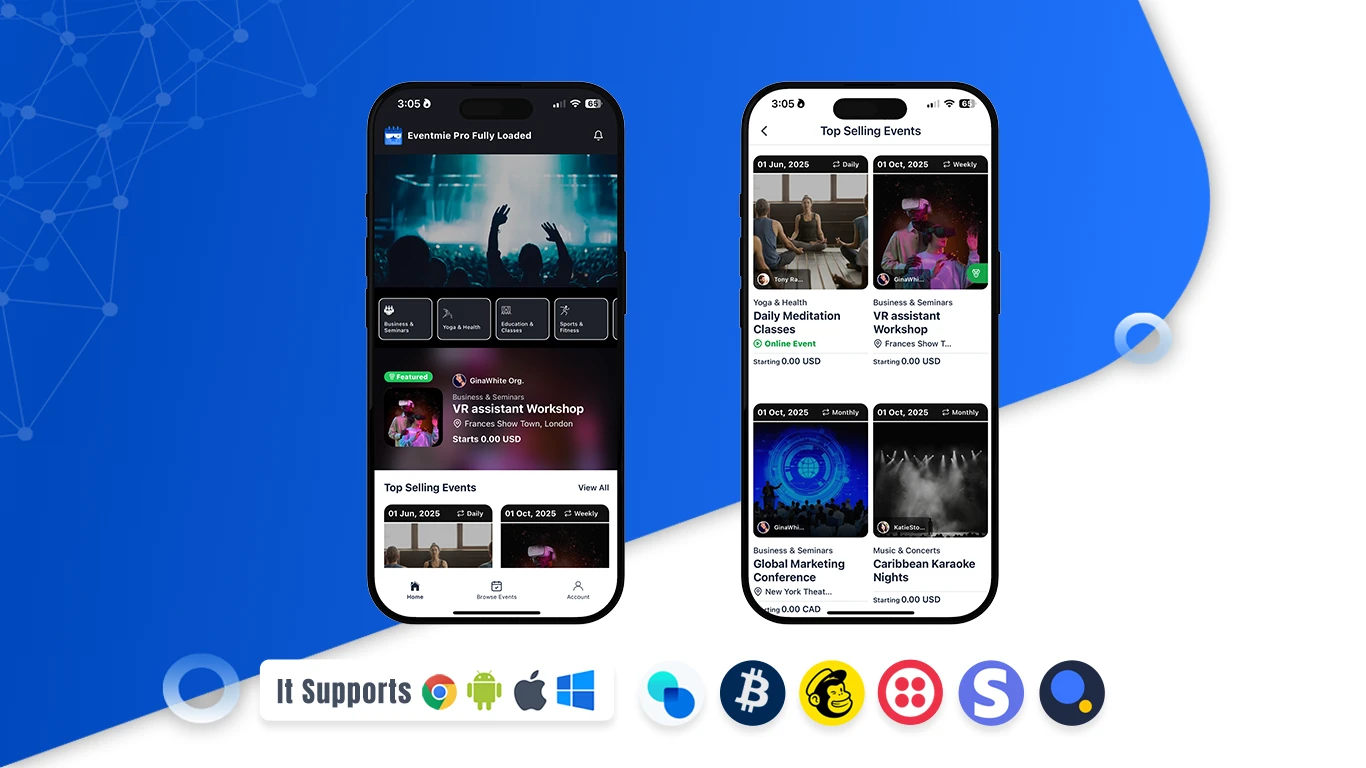
- Open an Event: View details, dates, venue, and ticket options.
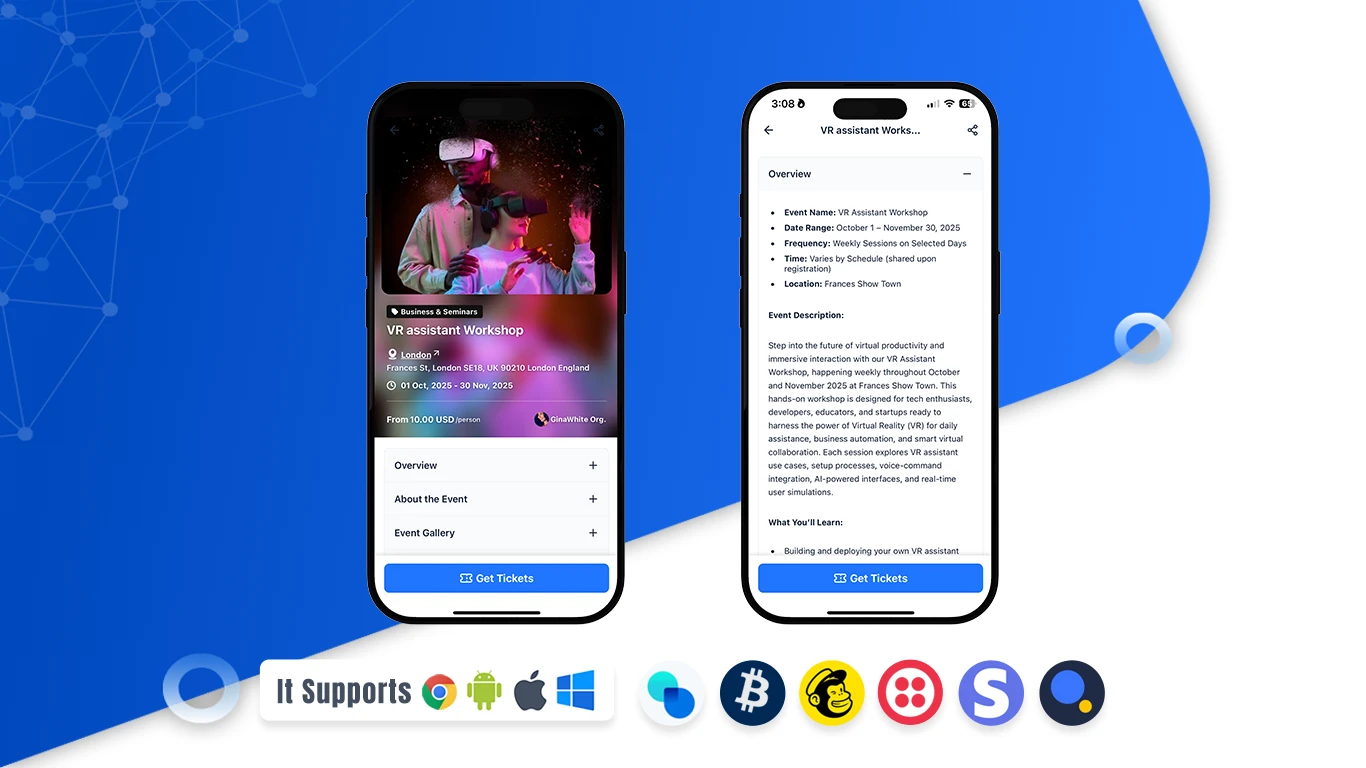
- Choose Tickets: Select ticket type and quantity.
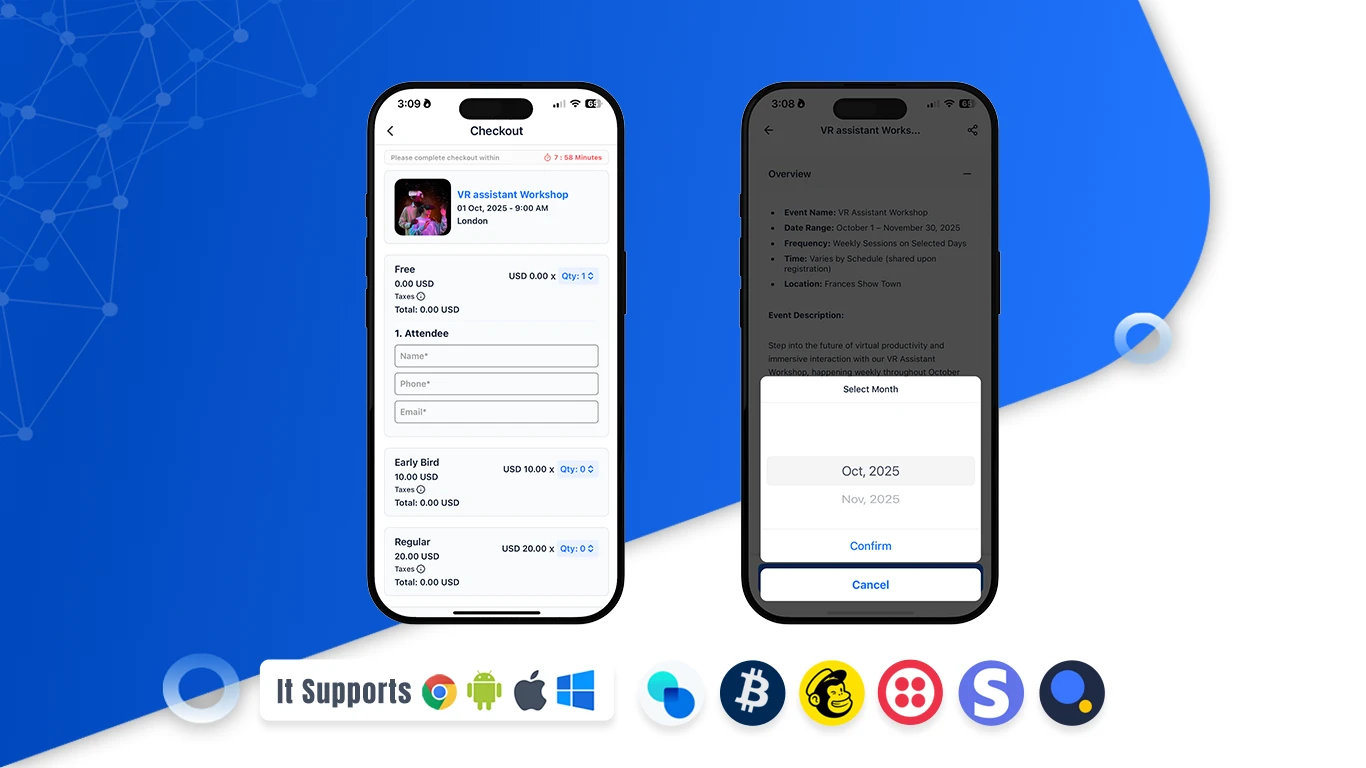
- Attendee Details: Provide attendee details & select payment method.
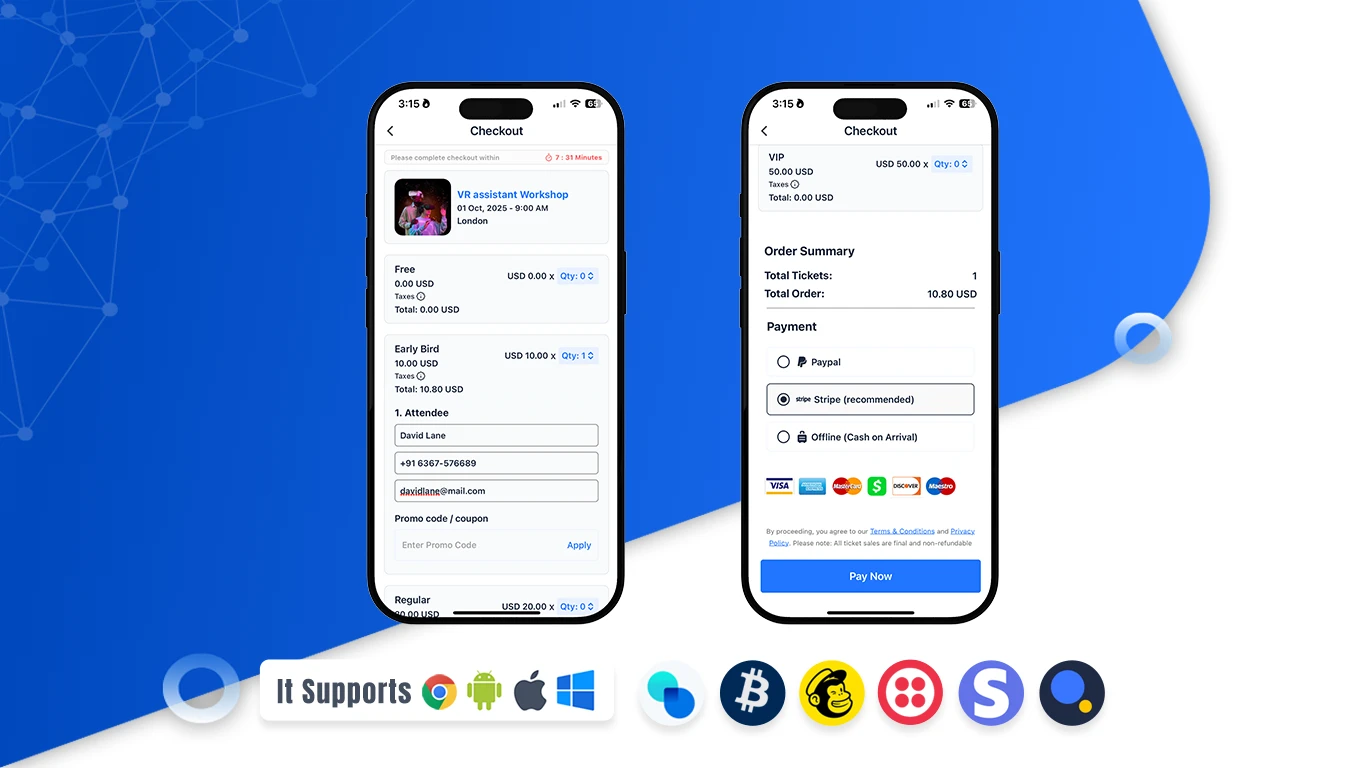
- Checkout: Enter your card details and confirm your order with secure payment.
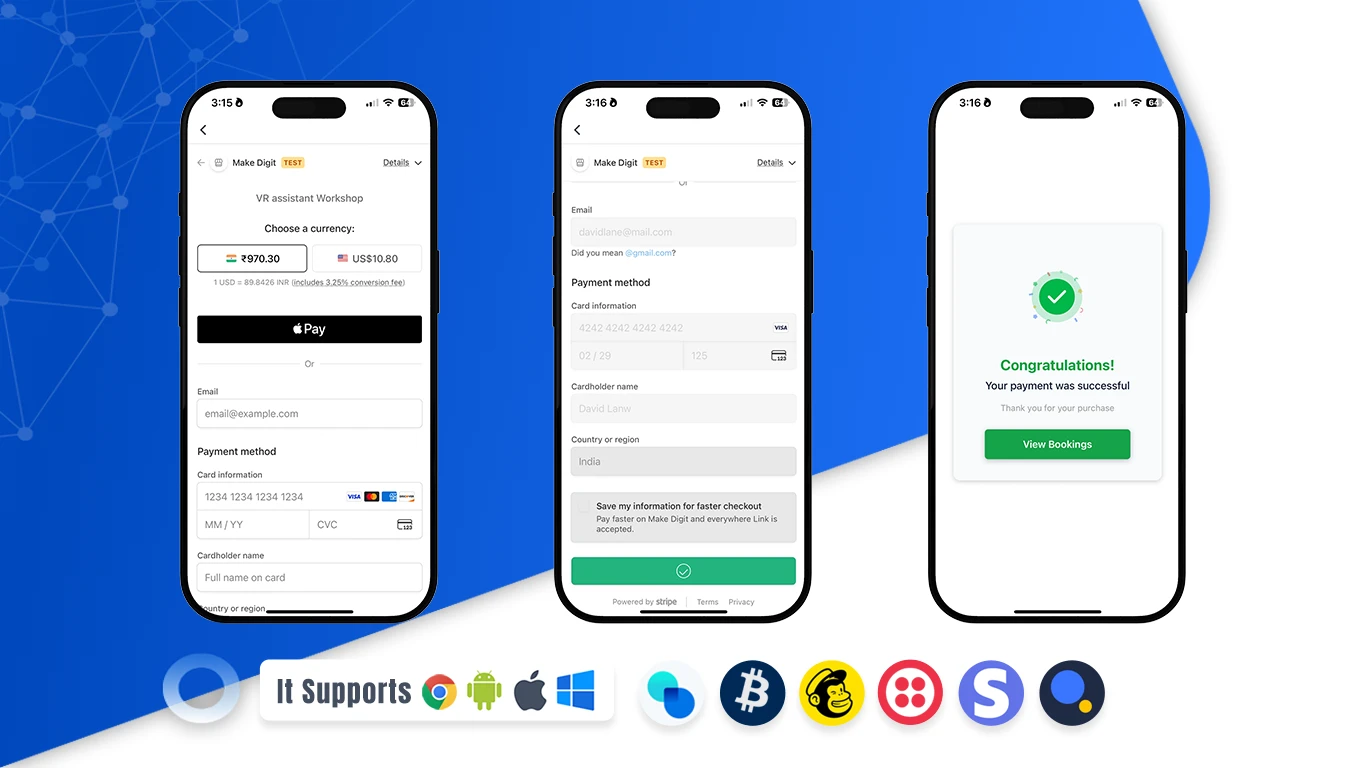
- Ticket Booked Successfully: Your tickets are booked. You can now download the ticket and invoice from the My Bookings section.