Upgrade from Eventmie Pro to Eventmie Pro FullyLoaded
{success} Upgrading to Eventmie Pro FullyLoaded will NEVER MODIFY OR DELETE your website's existing users' data, file uploads, or database tables data. Your event management platform remains secure during the migration process.
Prerequisites for Upgrading to Eventmie Pro FullyLoaded
To upgrade your Laravel event management website to Eventmie Pro FullyLoaded:
-
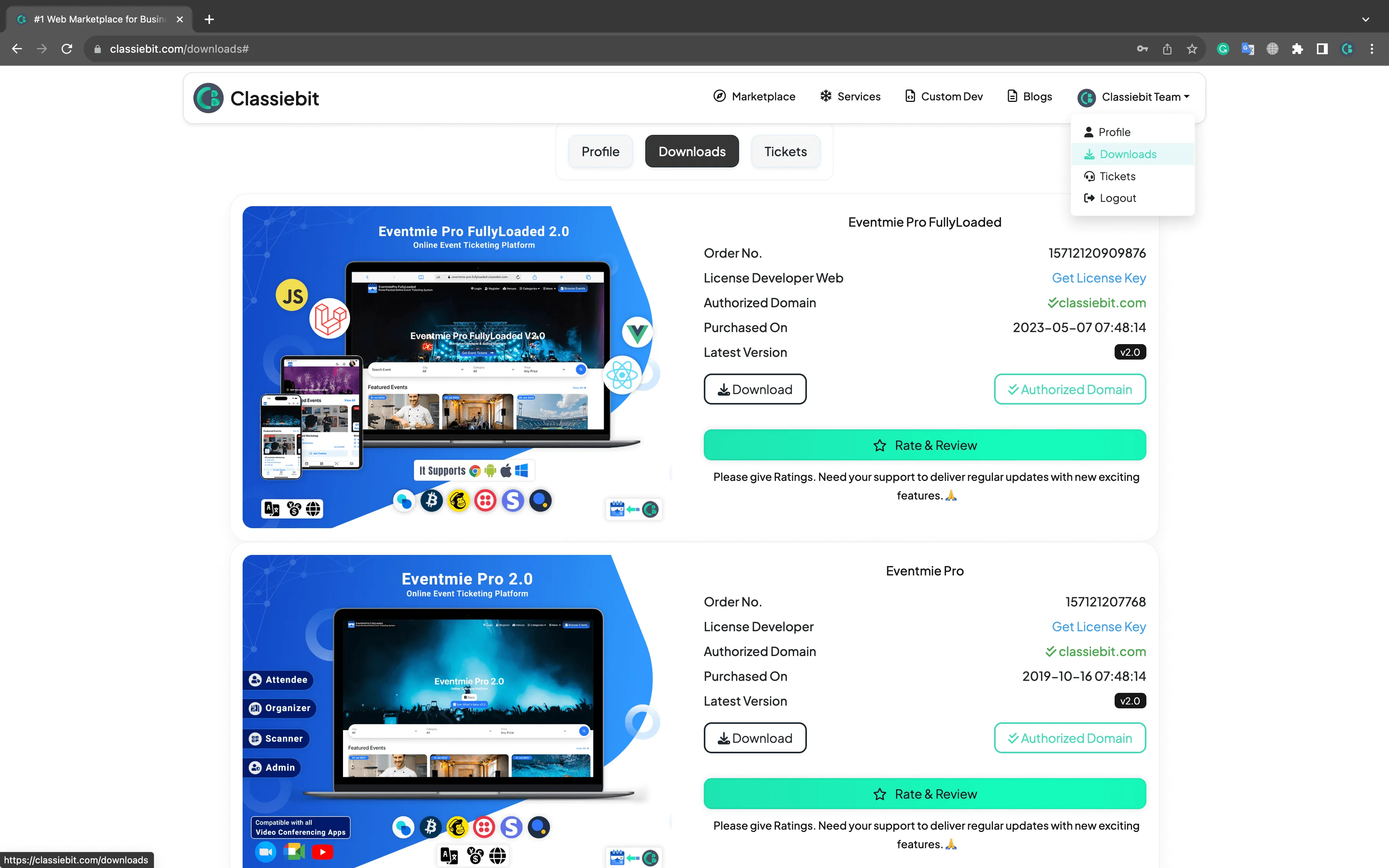
Download the latest Eventmie Pro FullyLoaded version from the Classiebit.com - Downloads page. Ensure you have a valid license and always backup your website files and database before starting the upgrade.
Eventmie Pro FullyLoaded Upgrade Service
If you want our expert team to upgrade your website to Eventmie Pro FullyLoaded, we offer a paid upgrade Service for a hassle-free migration.
There are two types of upgrade service:
- Simple Upgrade Service (USD 100): For websites with NO CODE CUSTOMISATIONS.
- Advanced Upgrade Service (USD 300): For websites with CODE CUSTOMISATIONS.
To request a paid upgrade service, email us at [email protected] and our team will assist you with the migration process.
{success} For a limited time, we are offering Free Simple & Advanced Upgrade service to existing Eventmie Pro customers. Email us to claim this special offer and upgrade to Eventmie Pro FullyLoaded at no cost.
Step-by-Step Guide: How to Upgrade to Eventmie Pro FullyLoaded
To upgrade your existing Eventmie Pro website to Eventmie Pro FullyLoaded, follow these essential steps carefully. Please ensure you DO NOT skip any step for a successful migration.
{warning} This is a
Simple Upgradeguide for Eventmie Pro websites with NO CODE CUSTOMISATIONS. If your website has custom code, please contact us at[email protected]for a tailored upgrade process.
-
Extract the
eventmie-pro-fullyloaded.zipfile and delete thestoragefolder and.envfile from the extracted folder. -
Retain your existing
storagefolder to preserve all your events, tickets, images, and PDF files. -
Delete all files and folders from your existing website EXCEPT the
storageand.envfiles. -
Do NOT delete your existing website
storagefolder, or you will lose all event images and other files. -
Run the Composer update command to update dependencies:
composer update -
On your production (live) server, optimize the autoloader and skip dev dependencies:
composer install --optimize-autoloader --no-dev -
Run the Laravel database migration command to update your database schema:
php artisan migrate -
Run the database seeder command to populate essential data:
php artisan db:seed -
Finally, run the translation update command to ensure multilingual support in the admin panel:
php artisan eventmie-pro:translate-admin-panel
And done. ✌️